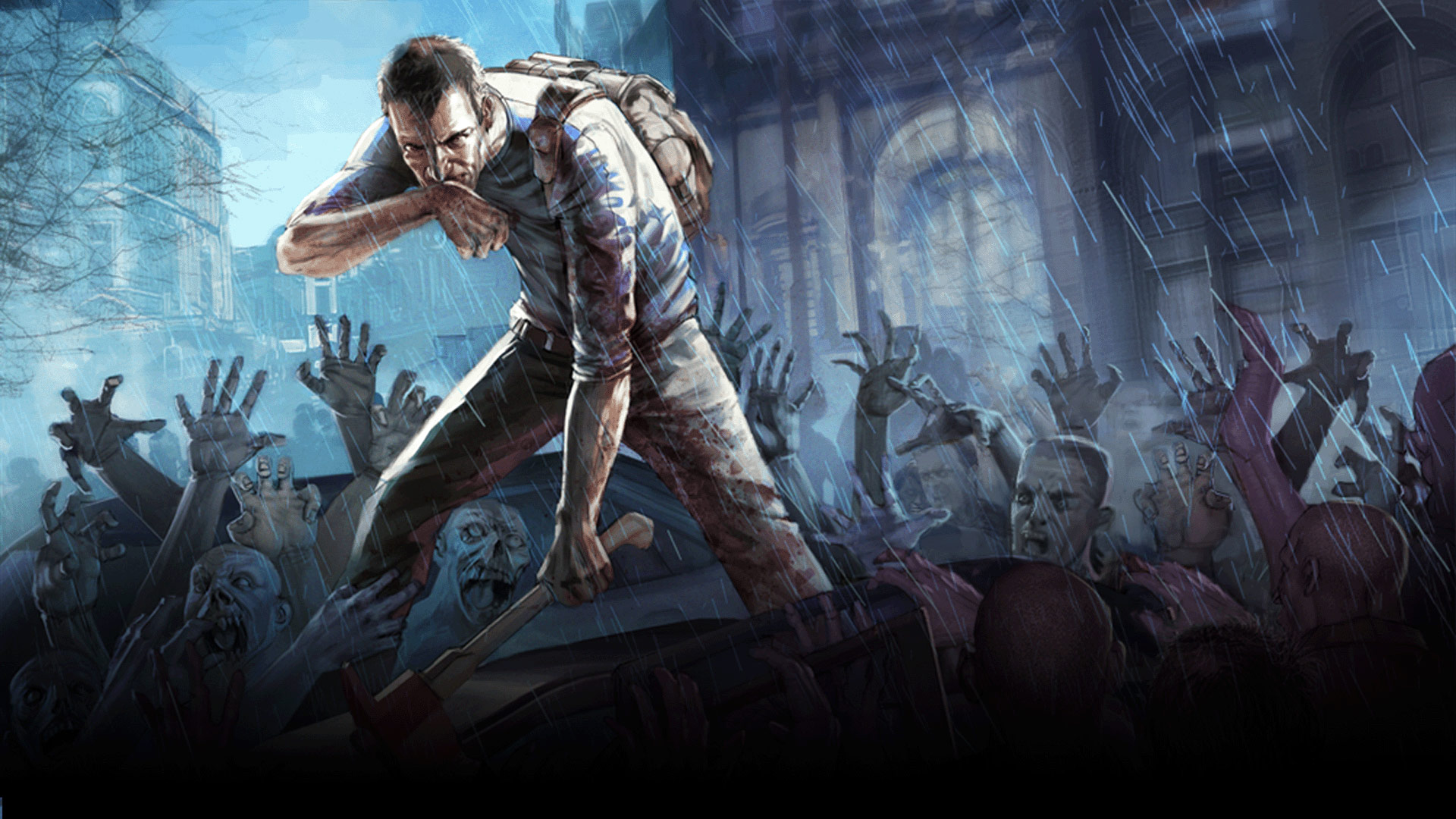
Project Zomboid Server
Hosting — Your Way
Host a Project Zomboid dedicated server with the pricing model that fits you. Choose flexible hourly billing or a fixed monthly rate. Survive the zombie apocalypse with friends — build, loot, farm, and fortify with full performance and full control.
Build 42
The biggest update yet — crafting overhaul, animal husbandry, basements, new traits, and a completely revamped world. Survive the Knox Event with your crew on a dedicated server.
Trusted by 2,000+ game server owners
- Charged per hour used
- Cancel at any time
- Stop to save money
Setup with 4GB RAM (supports 4–8 players)
Estimated Monthly Cost
$5.8–$17.3
Calculated at $0.01/GB/hour for 4GB
Costs less if left offline

Highest
Reliability
- 99.9% Uptime for Zomboid Servers
- Fail-Safe Cloud Infrastructure
- Always-On DDoS Protection

Scalable
& Flexible
- Hourly RAM-Based Billing
- Pay-Per-Use or Fixed Monthly
- Scale Resources with Player Activity

In-House
Control Panel
- Full Zomboid Server Control
- Steam Workshop Mod Support
- Easy Configuration & Backups

24/7/365
Tech Support
- Game-Hosting Focused Support
- Help with Setup & Performance
- Available Anytime You Need It
RAM scales with your players. Pay only for what you use, hour by hour.
Try free with a $3 bonus
No credit card · Deploy in 60s
How Flexible Pricing Works
No more overpaying for resources you don't use. Our flexible model adapts to your server's actual demand.
Dynamic RAM Scaling
RAM adjusts with your player count in real time. You only pay for what's actively being used — never a byte more.
Hourly Billing
Billed at $0.01 per GB per hour. No minimums, no commitments — stop anytime and costs stop instantly.
Scale Down When Empty
Server idle at 3 AM? Costs drop to almost nothing. No more paying full price for an empty server.
Switch Anytime
Prefer predictable billing? Switch to fixed monthly pricing at $2.99/GB/mo whenever you want, no penalties.
Flexible Billing
Two Ways to Pay. Zero Surprises.
Every server supports both billing models. Pick what fits — or switch anytime, no penalties.
Hourly Billing
Maximum flexibility. Only runs when you need it — shut down and stop paying instantly.
Why choose hourly
- Pay only when your server is running
- Perfect for weekend or event-based servers
- Scale RAM up or down mid-session
- No minimum commitment — stop anytime
- Dynamic pricing saves up to 60% vs fixed
- Ideal for testing new games or mods
How it's calculated
RAM (GB) × $0.01 × Hours online = Total cost
Server off = $0. You only pay while it's running.
Real-world scenarios
Monthly Plan
Set it and forget it. One fixed price, always on, no metering.
Why choose monthly
- Predictable, fixed monthly bill
- Best for 24/7 always-on communities
- 20 GB storage included free
- Simple — set it and forget it
- No usage tracking or surprise charges
- Great for established servers with steady traffic
How it's calculated
RAM (GB) × $2.99 = Fixed monthly price
Runs 24/7 regardless. No hourly tracking, no surprises.
Real-world scenarios
How It Works
Up & Running in 3 Steps

Create Your Account
Sign up in seconds and access your dashboard. No lengthy forms — just a quick setup to get your Zomboid server started.

Configure Your Server
Pick Project Zomboid, choose your RAM and server settings. Add mods from Steam Workshop, set sandbox options, and configure your world.

Launch & Play
Hit deploy and your server is live instantly. Share the IP with friends and start surviving the zombie apocalypse together.
Enterprise Infrastructure
Our Hardware
Every server runs on purpose-built infrastructure with the latest 2026 AMD EPYC processors and enterprise-grade components.
AMD EPYC 4345P
8c/16t — Up to 5.5 GHz boost
DDR5 ECC
High-speed error-correcting memory
NVMe SSDs
Enterprise-grade solid state drives
Project Zomboid Hosting Guide
Everything You Need to Know About Project Zomboid Server Hosting
Choosing the right hosting setup can make or break your Zomboid experience. Here's what actually matters when picking a server.
How Much RAM Does a Project Zomboid Server Need?
A small Zomboid server with 1–4 players runs well on 2–4 GB of RAM. For 8–16 players with mods and expanded maps, 6–8 GB is recommended. Large communities with 20+ players and heavy mod packs should use 10–16 GB. With per-hour billing, you only pay for what you use.
Vanilla vs Modded: Which Should You Pick?
Vanilla Project Zomboid offers a deep survival experience out of the box. Steam Workshop mods add new maps (Raven Creek, Louisville expanded), weapons, vehicles, and overhaul mechanics like Hydrocraft. Modded servers need more RAM but offer vastly extended gameplay. Our platform supports both with one-click mod management.
Player Count vs Server Performance
Each player loads surrounding chunks and interacts with zombies, loot, and vehicles. More players spread across the map increases memory usage significantly. Large groups raiding the same area can spike CPU usage. Scale RAM as your community grows to keep performance smooth.
Why Scalability Matters for Zomboid Hosting
Project Zomboid servers get heavier over time as the world state grows — more looted buildings, zombie migrations, and player-built bases. Scalable hosting ensures your server can handle the growing world state without manual upgrades or unexpected lag spikes.

Global Server Locations
Deploy your Minecraft server close to your players. All locations feature enterprise-grade hardware and DDoS protection.

US West
Los Angeles
US East
New York
EU Central
Frankfurt
Frequently Asked Questions
Project Zomboid server hosting lets you run a dedicated multiplayer server on enterprise hardware. This gives you persistent worlds, better performance, Steam Workshop mod support, and the ability to play with friends 24/7.
For 1–4 players, 2–4 GB is sufficient. For 8–16 players with mods and expanded maps, 6–8 GB is recommended. Large communities with 20+ players should use 10–16 GB for smooth performance.
Yes! You can add Steam Workshop mods directly from our control panel. Manage mod load orders, auto-update mods, and configure mod settings — no manual file management needed.
Absolutely. We support all popular custom maps including Raven Creek, expanded Louisville, and community-made maps. Just add the Workshop mod IDs and the server handles the rest.
New users get a $3 welcome bonus when signing up. You can try the hosting for free with no credit card required.
Yes, we offer 24/7 global support with a team ready to assist you. We aim to respond to inquiries within 2 hours, whether you need help with setup or troubleshooting.
Yes, you can easily switch between games. You can start, stop, and archive servers any time. We don't charge for archived servers, so you can pause Zomboid and try other games without extra costs.
Still have questions?
Join Serverwave today and
Get $3 Free To Play With!
We don't have confusing plans that lock you in randomly.
Create Account